Below you'll observe how to access and review your Customer List Dashboard...
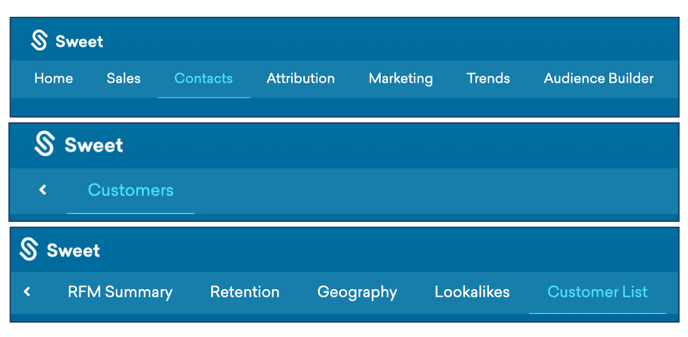
- At the top of the Homepage, you'll observe the navigation tabs
- Select Category: Contacts
- Select Subcategory: Customers
- Select Subcategory: Customer List
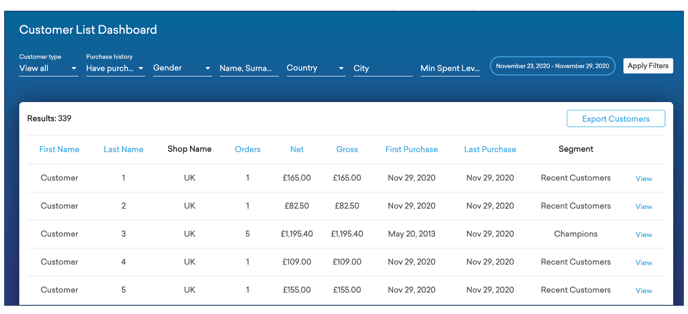
You’ll observe:
- A fully customisable customer list dashboard, filtered by; customer type, purchase history, gender, name, country, city, amount spent, number of orders and segment.
Please refer to the Customer Clickthrough Article for further guidance on accessing individual customer information and insights.