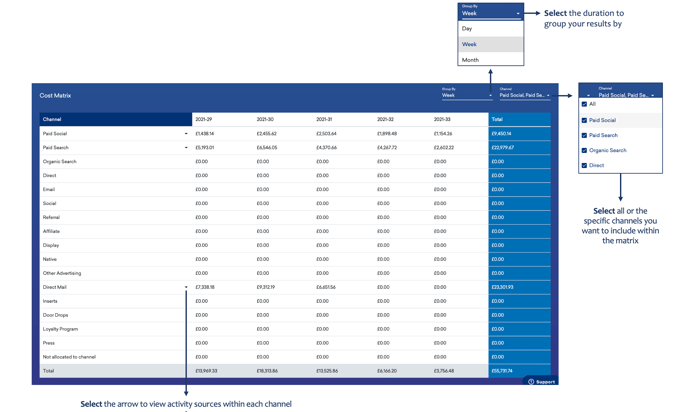
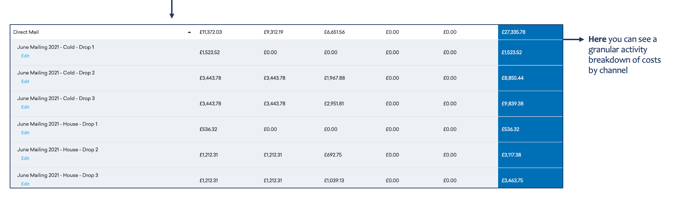
Within the next subcategory, you’ll find your Cost Reports Dashboard…
To Review Cost Reports:
-
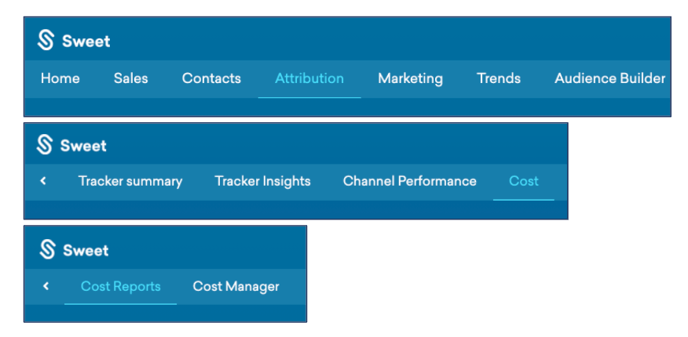
Scroll back up to the top of the homepage to the navigation tabs
-
Select Category: Attribution
-
Select Subcategory: Cost
-
Select Subcategory: Cost Reports
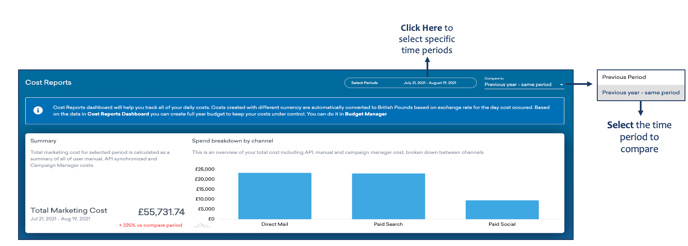
This provides:
- A place to track all your daily costs.
- An overview of your total cost including API, manual and campaign manager cost, broken down between channels.
As you scroll down Cost Reports…
You’ll observe:
- A graphical representation of your cost comparison, grouped by total cost or channel.
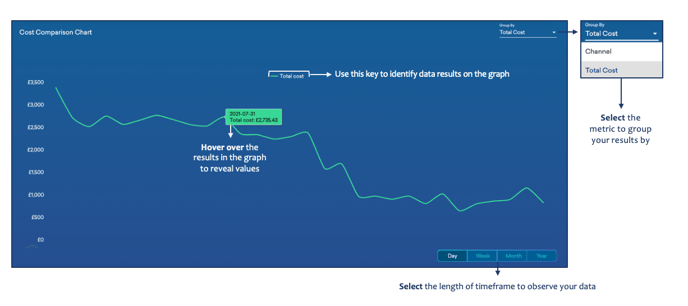
As you continue to scroll down Cost Reports…
You’ll observe:
-
A detailed representation of your cost matrix, grouped by duration and channel.