To Add a One Time Cost...
- From the Manual Costs Dashboard, select ‘Add One Time Cost’.
- A pop-up will appear where you are able to fill in the relevant fields, such as; name, currency, cost, cost allocation, allocation period and channel.
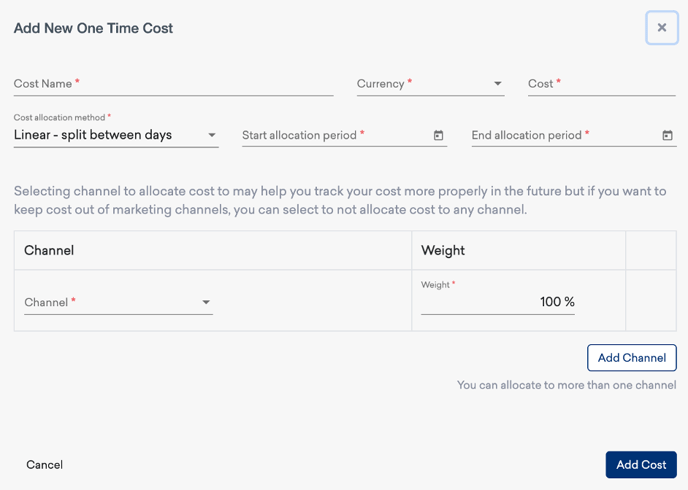
This Provides:
- The ability to set up a one-time marketing cost defined by a specific channel(s) and allocated within a specific time period.
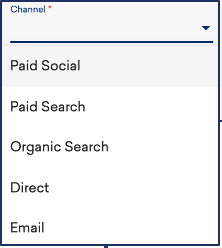
Default cost allocation type is Linear - Split Between Days.
- The cost will be allocated evenly between the start and end date of the activity.
- Use that section to customize the allocation method to your needs.
- You can edit allocation on a campaign or single activity level.
For further guidance on Cost Manager, click through to the guide below: