- Help Center
- Homepage
- Getting Started
Accessing the Dashboards
Below you'll observe how to access your Sweet Dashboards...
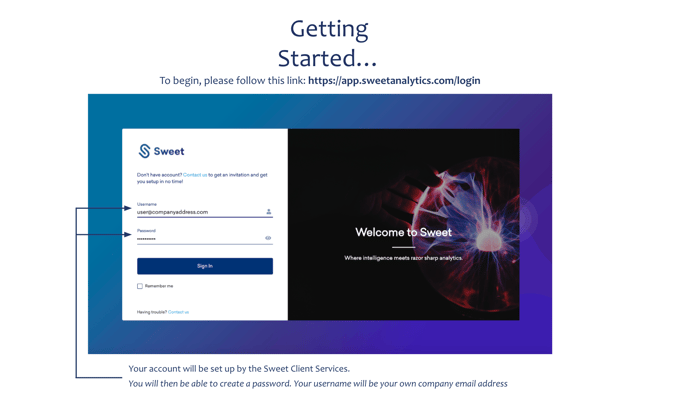
- To begin, visit https://app.sweetanalytics.com/login
- Login using the credentials provided by your Sweet Account Manager
- Select 'sign in' and you'll be entered into the portal.
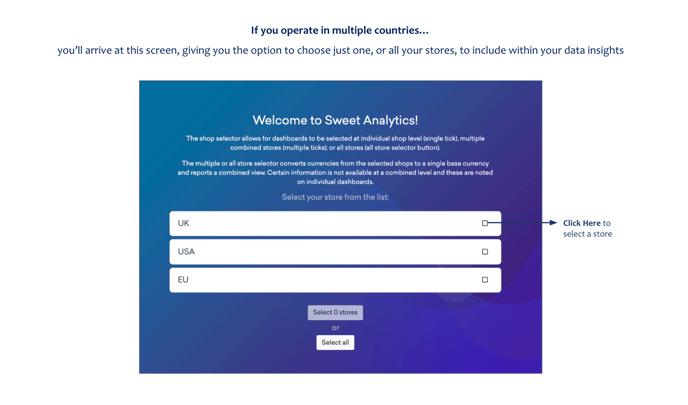
If you operate in multiple countries…
You’ll arrive at an additional login screen. This provides an option to choose just one, or all your stores, to include within your data insights.
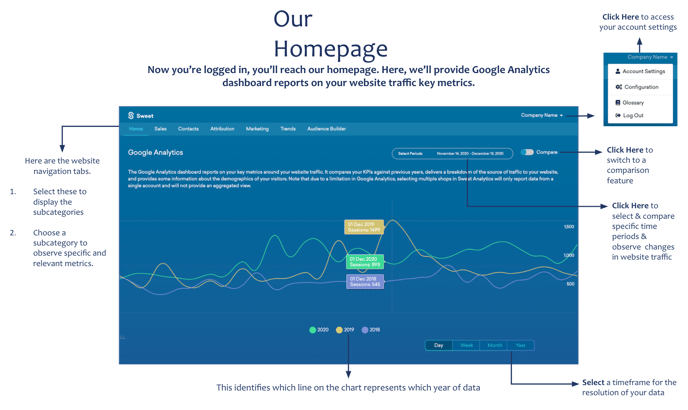
You'll then enter your Home Dashboard...
Here you can access the sales performance dashboard or set up your integrations.